The latest update of Management Studio has an interesting preview feature called database devops. This feature is not automatically added if you updated from a previous version. In order to use the Database DevOps feature you’ll need to modify your installation through the Visual Studio installer.
- Open the Visual Studio Installer
- Select modify for SQL Server Management Studio 22.4.1
- Check the checkbox for the Database DevOps feature
- Click modify
- After installation completes open SSMS
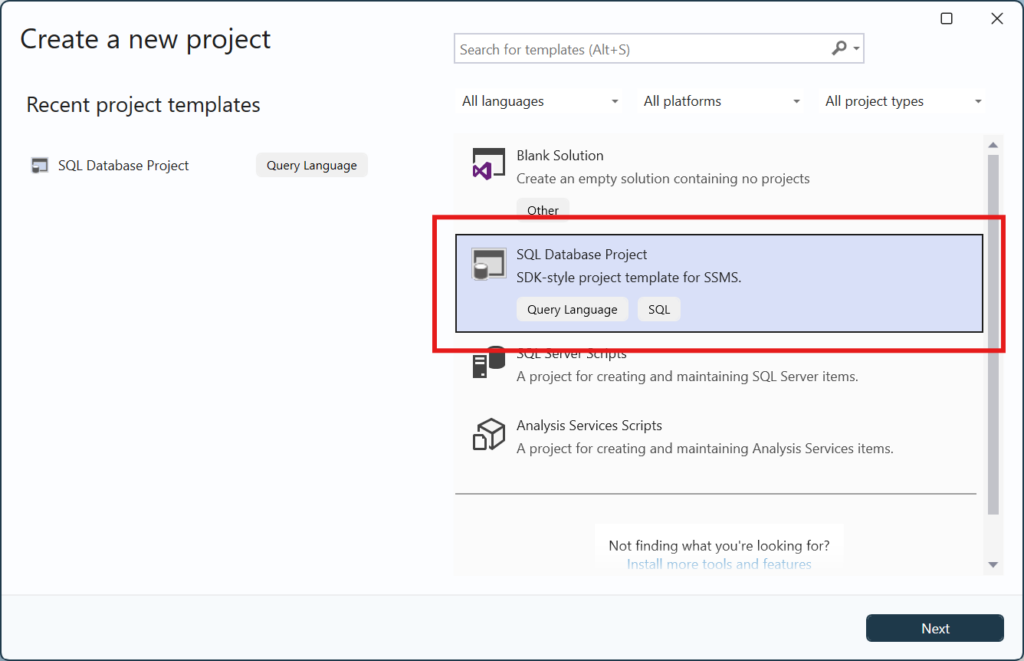
- Select File>>New>>Project/Solution
- SQL Database Project is now an option
- Select this option
- Press next
- Press create
- You can now start using this new feature