I am working my way through Data Pipelines with Apache Airflow, Second Edition: Orchestration for data and AI and there is a point early in the book where it is explained how to run airflow locally in a python environment. This turns out not to work on a windows machine as some dependencies for Airflow are not available. Instead what you can do is run Ubuntu on the Windows Subsystem for Linux (WSL). I’ll provide the steps I followed here.
FYI, the next paragraph in the book actually recommends you to use docker. I think there will be a point where it’s to difficult to manage everything yourself and you’ll have to indeed go that direction.
Install Ubuntu
- Enable windows feature Windows-Subsystem-For-Linux
- PowerShell:
wsl --install
- PowerShell:
- Reboot
- Install Ubuntu
- Powershell:
wsl --install -d Ubuntu
- Powershell:
- Reboot
- Open Ubuntu and setup user and password
Install virtual python environment
The below commands are to be run from the Ubuntu command line.
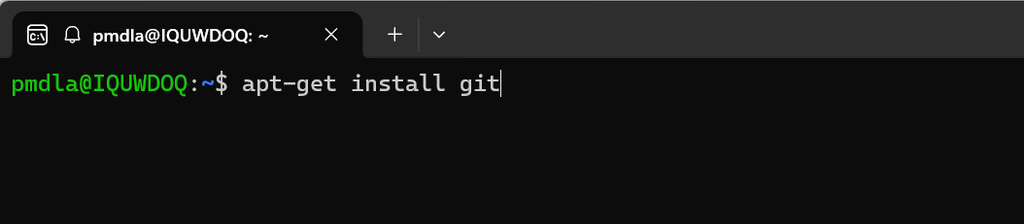
- Install git
apt-get install git
- Install UV
curl -LsSf https://astral.sh/uv/install.sh | sh
- Install virtual env
uv tool install virtualenv
Test the setup
The below commands are to be run from the Ubuntu command line.
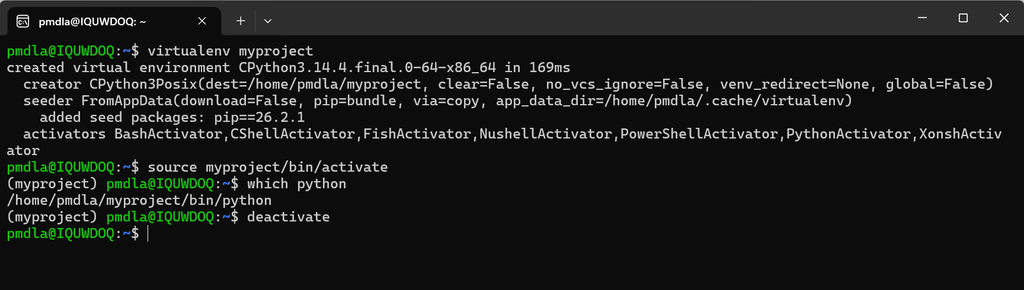
- Create your project:
virtualenv myproject
- Activate it
source myproject/bin/activate
- Verify python is running from inside environment:
which python
- Install a package:
pip install requests
- Deactivate the project:
deactivate
Setup a new virtual python environment and install airflow
- Create virtual python environment for airflow
virtualenv airflowtestsource airflowtest/bin/activate
- Install apache airflow
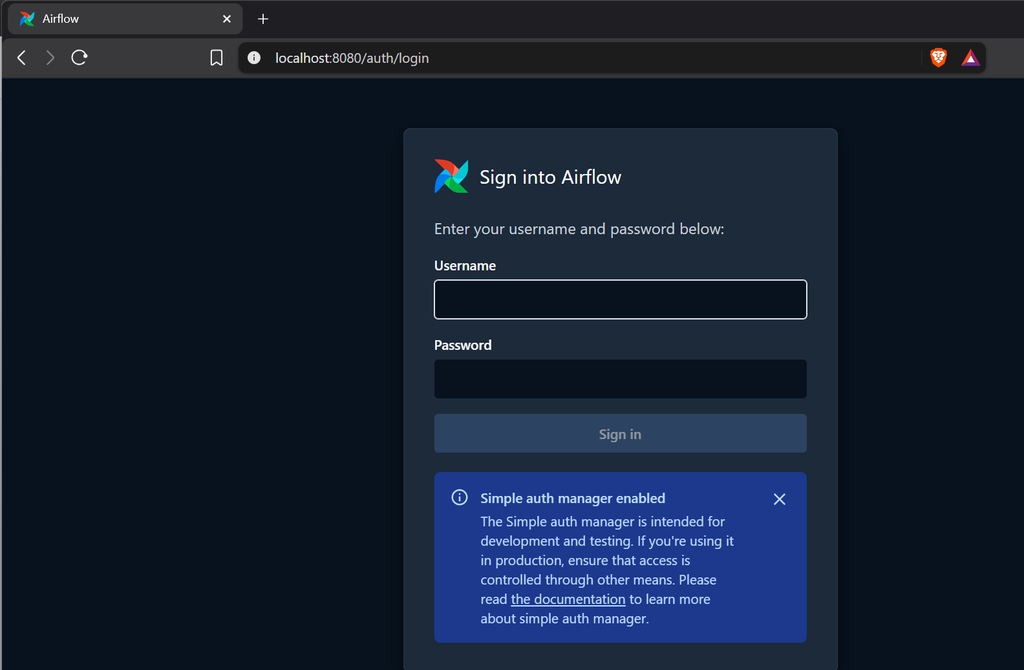
pip install apache-airflow- The installation log will show you the admin password
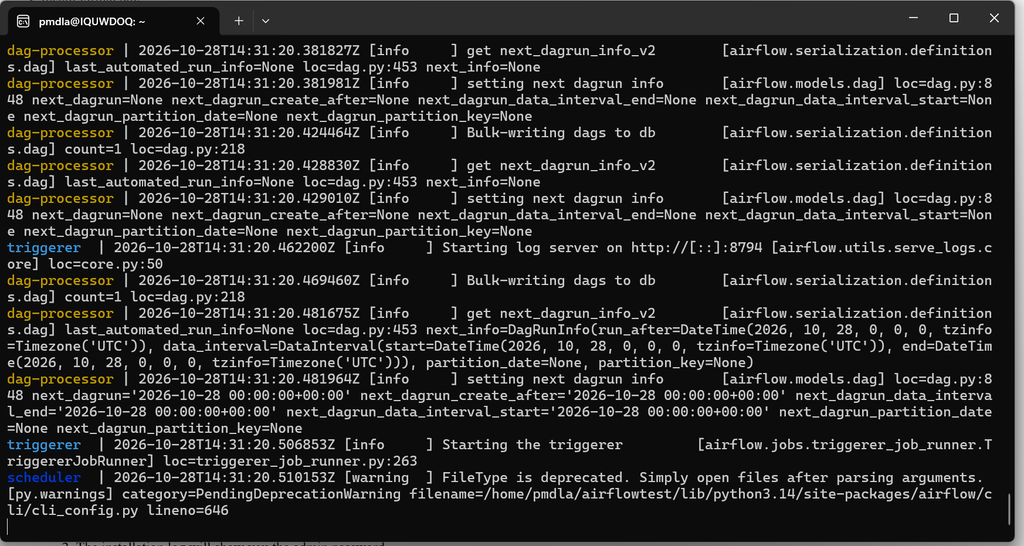
- Run airflow
airflow standalone
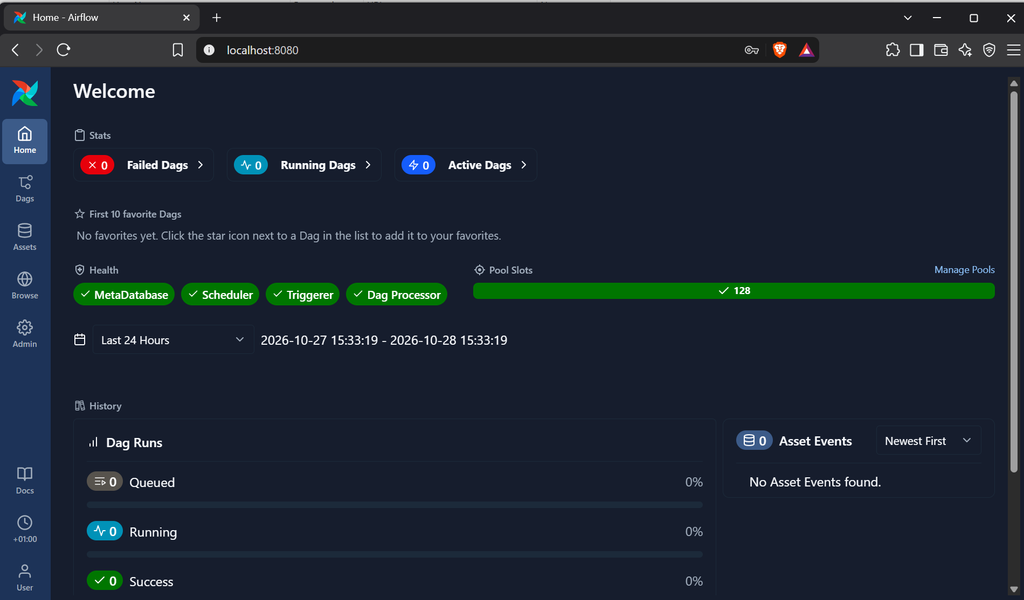
- Open airflow